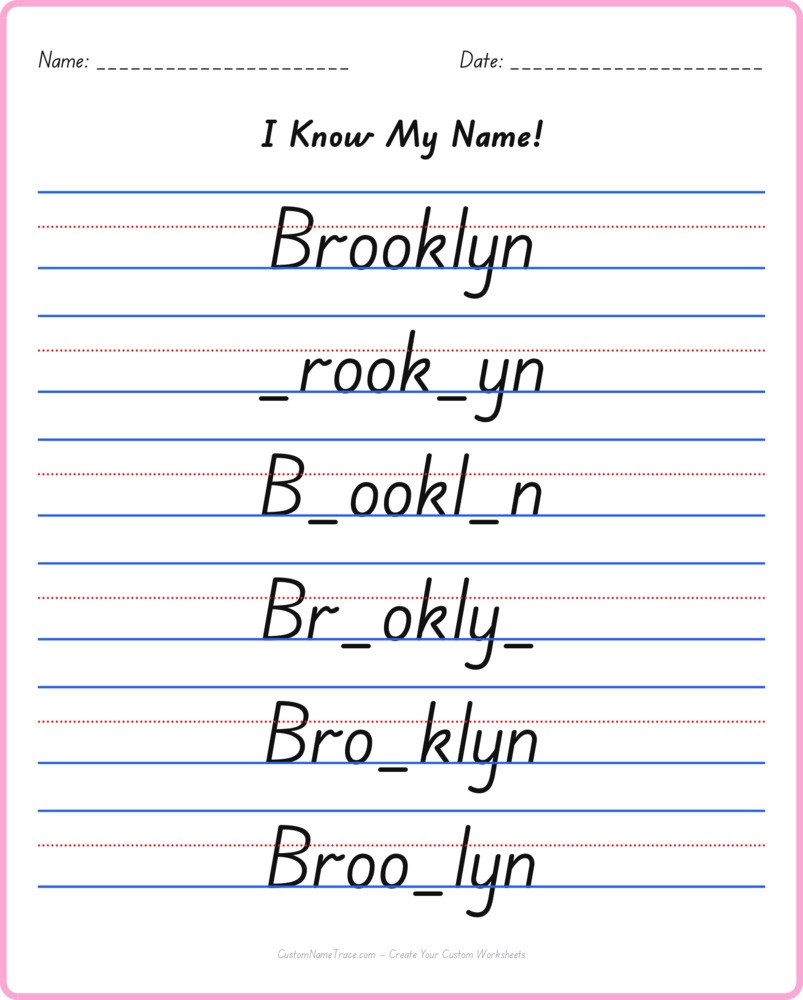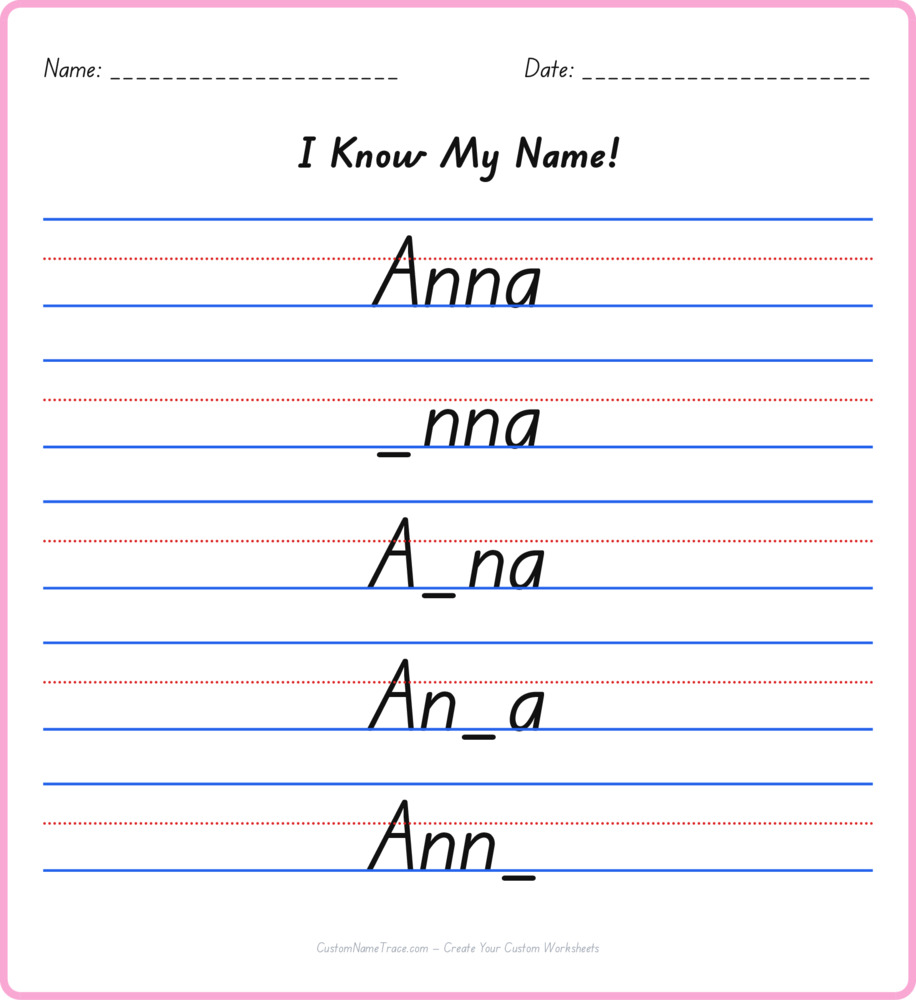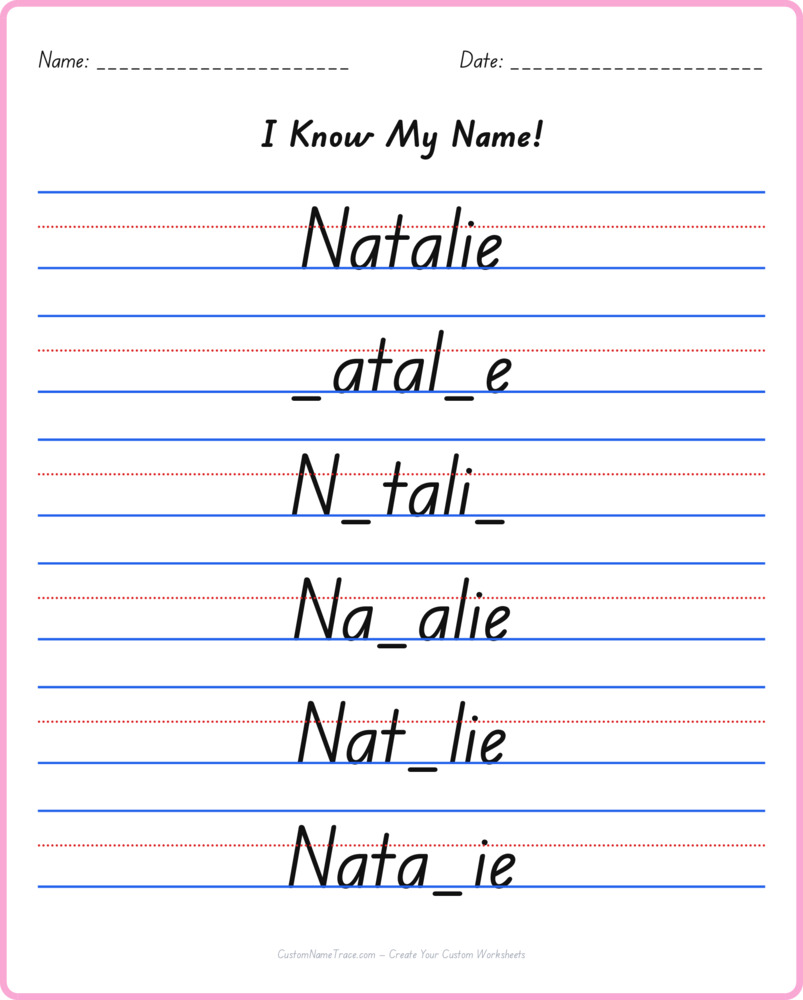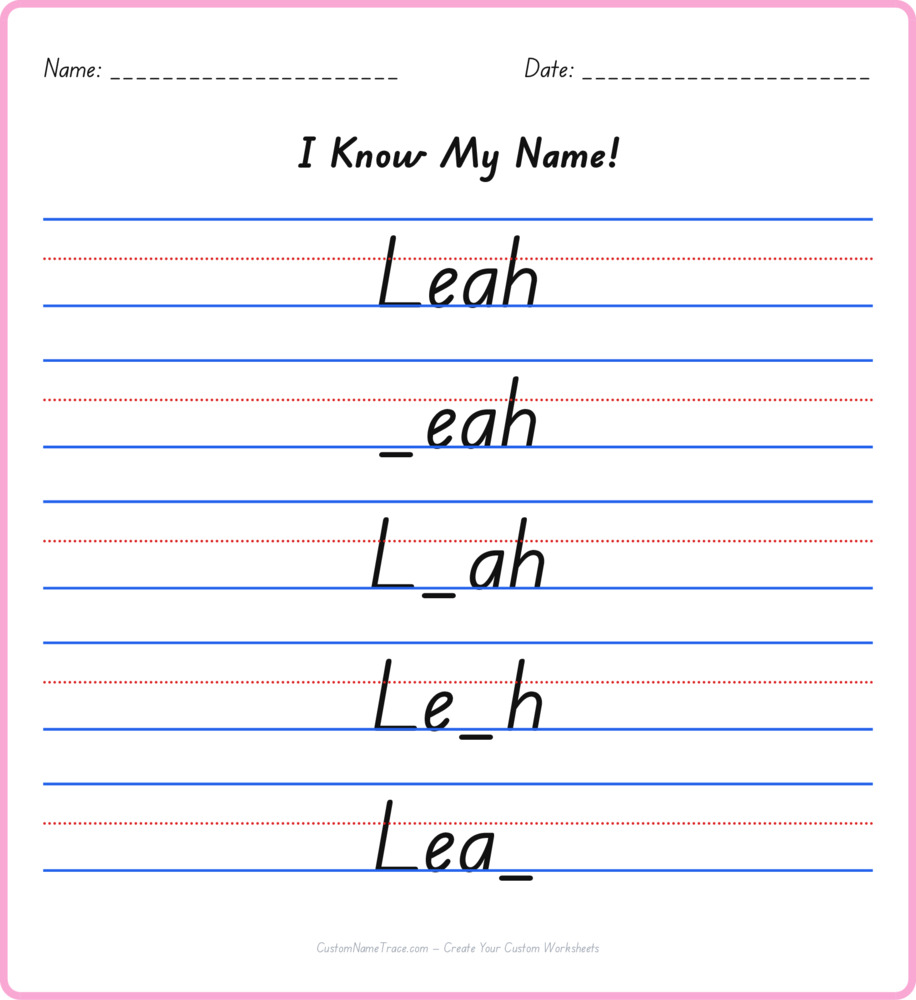
What's actually being tested when Scarlett has a letter missing
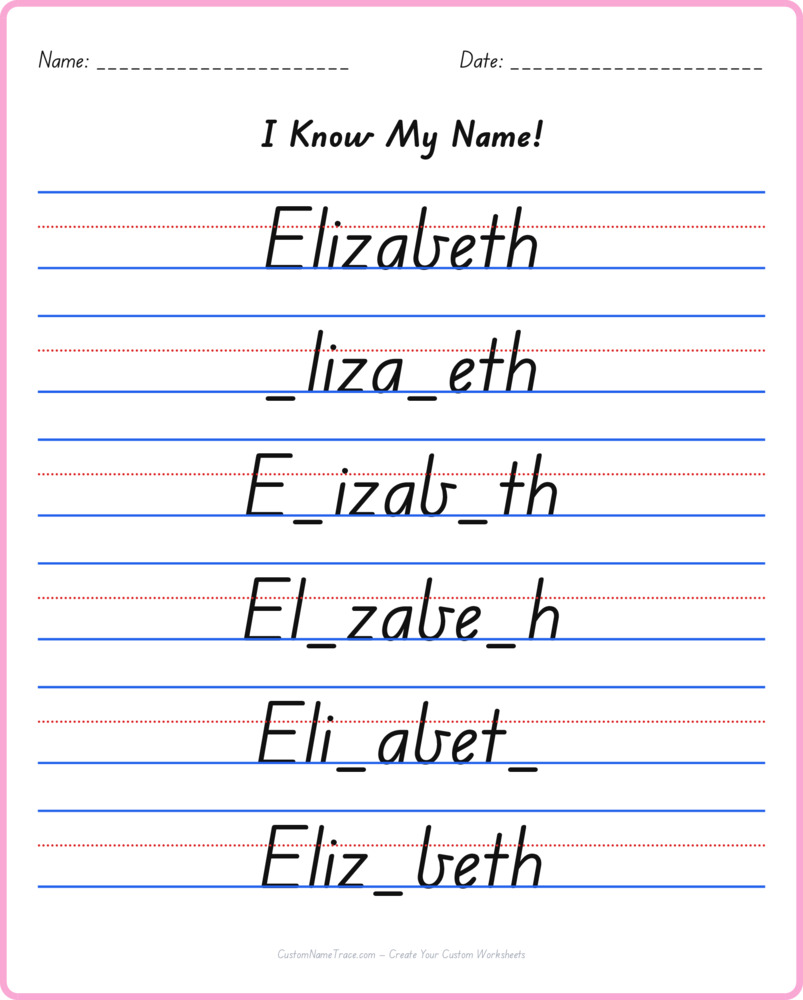
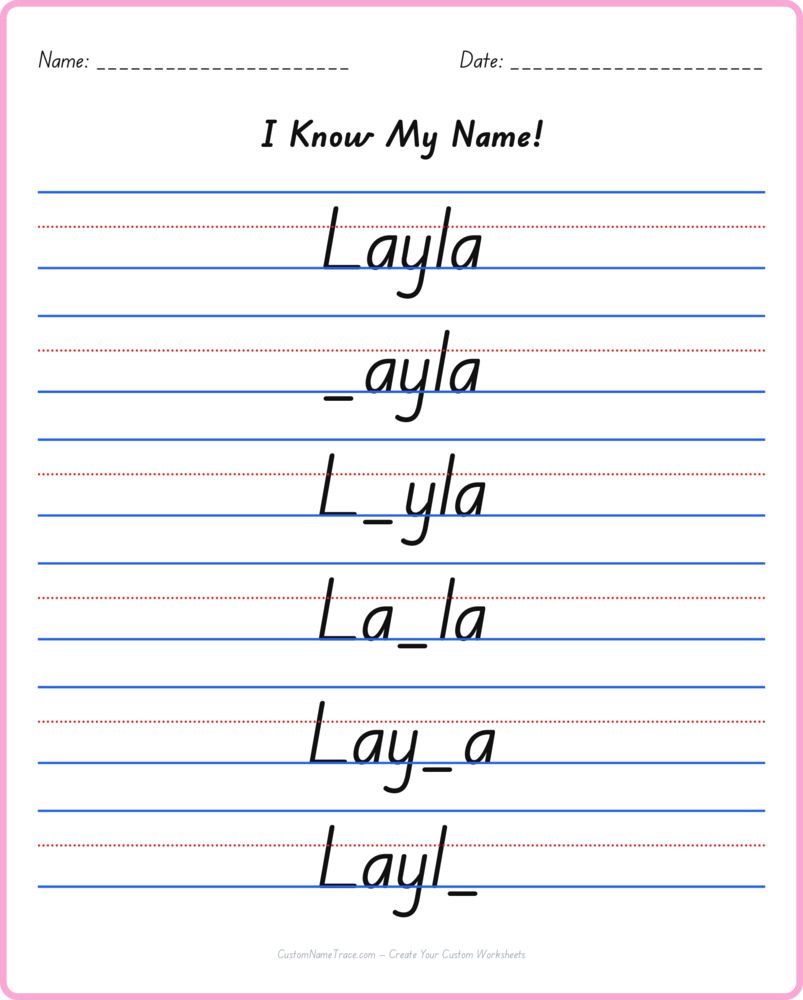
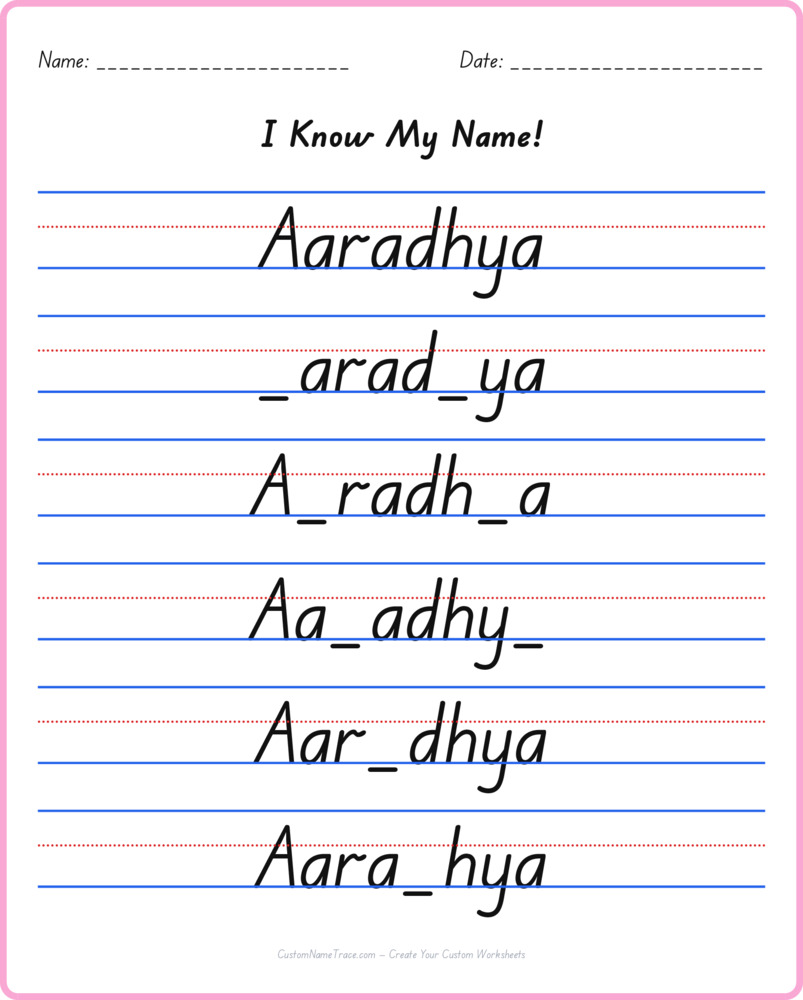
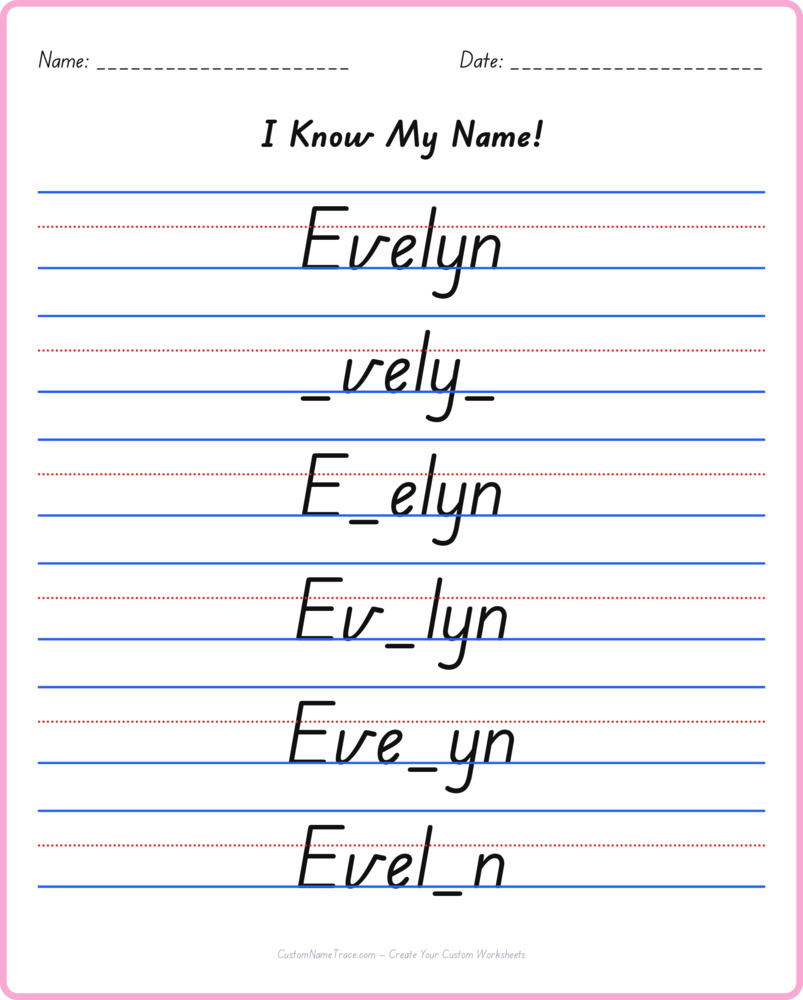
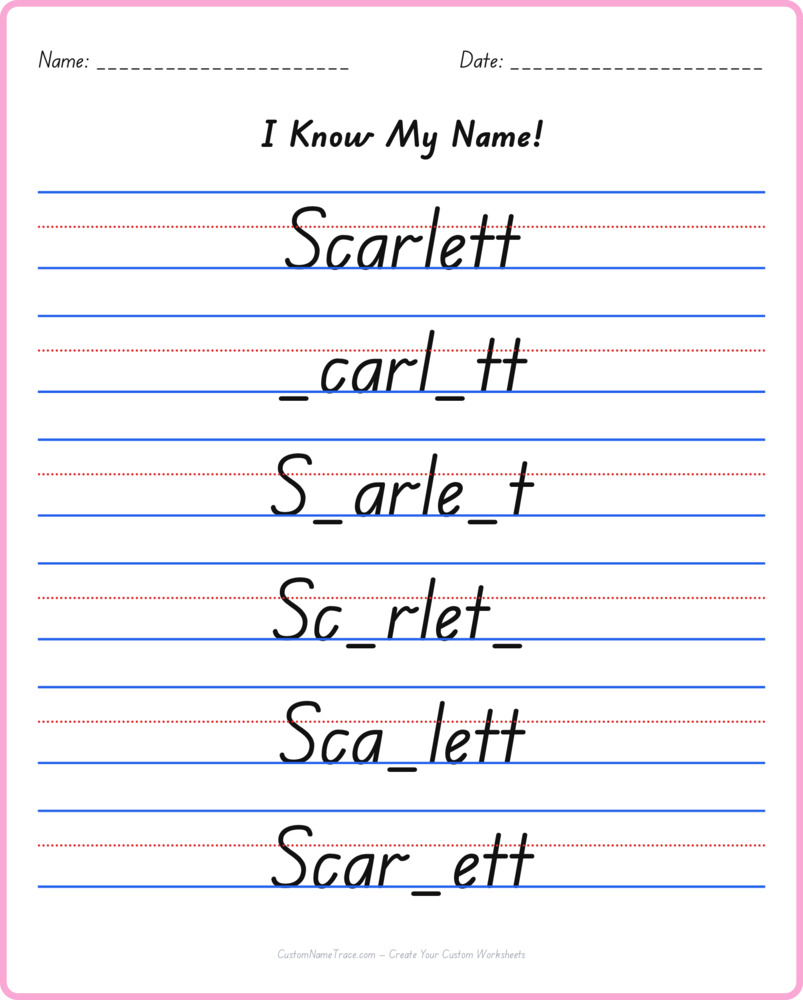
Every row of this worksheet prints Scarlett almost completely — every letter but one — and leaves that single letter blank for a child to fill in from memory. It's a small change from a full tracing worksheet, but it shifts what's actually being measured in a real way: tracing tests whether a hand can reproduce a shape it can see; this tests whether a child genuinely knows how Scarlett is spelled, independent of having the answer sitting in front of them.
Because a different letter is blanked on every row, by the bottom of the page every single letter in Scarlett has had a turn being the one that's missing, which means this worksheet checks the whole name's spelling rather than only its first letter or its general shape.
Why this is genuinely the hardest of the three exercises for Scarlett
Standard tracing gives a child a complete target to follow. The Name Pyramid version keeps every needed letter visible even as it grows row by row. This one is different: most of Scarlett stays visible, but the blank has to be filled correctly using memory alone, with no version of the complete word printed anywhere on the page to check against mid-attempt. That's precisely why it's worth introducing last, once tracing and the pyramid have already built real familiarity with Scarlett's spelling — asking for recall before that familiarity exists usually produces frustrated guessing rather than genuine practice.
A child who fills in Scarlett's missing letters confidently, across several different rows blanking different positions, has demonstrated something tracing alone can't confirm: that the name's spelling has actually been learned, not just its shape traced from memory of the motion.
What a wrong guess actually tells you
An incorrect letter on this worksheet is useful, specific information rather than a simple pass/fail mark — it points at exactly which position in Scarlett's spelling still needs reinforcement, which is more actionable than a vague sense that "the name needs more practice" overall. If the same position keeps getting missed across multiple attempts, going back to plain tracing and paying deliberate attention to that specific letter — maybe tracing just that one letter several extra times on scratch paper — closes the gap faster than repeating this worksheet alone.
It's also worth saying plainly: a wrong guess here doesn't mean the pyramid or tracing practice failed. Recall is a genuinely different skill from motor copying, and some children need several rounds of this specific format before it clicks, even with Scarlett's spelling otherwise solid.
A simple way to introduce this format for the first time
Before starting, tracing Scarlett once or twice from this site's standard worksheet refreshes the spelling in working memory without adding pressure. Then, working through the first row or two together — covering the row above with a hand so the answer can't be peeked at, saying Scarlett out loud slowly, letter by letter — builds the habit of genuinely recalling rather than glancing upward for the answer.
Once a child understands the format, most can work through the remaining rows independently, self-checking by reading the completed row back and confirming it spells Scarlett correctly.
Printing and using this worksheet
This worksheet downloads as a free, print-ready PDF in both Letter and A4 sizes, with no account required and no limit on how many times it's printed — useful since a name that needs several rounds of missing-letter practice benefits from fresh copies rather than erasing and reusing the same page. It reprints identically every time, so bookmarking or sharing the direct link is safe.
Print at full size rather than a shrunk scale, so the blank spaces stay large enough for a child's handwriting without feeling cramped.
Where this fits alongside the other two exercises
Missing Letter is the last stop in a three-part sequence for Scarlett on this site — tracing first builds the motor pattern, the pyramid adds a gradual build while keeping every letter visible, and this version finally asks for the spelling without any visual safety net. Working through all three, in that order and at whatever pace a specific child needs, builds a more complete, more durable command of Scarlett's spelling than repeating any single one of them alone.
For a full class or group needing several names in this format, the Teacher Worksheets tool generates a combined PDF from a pasted list.