Why Viola builds up instead of appearing all at once
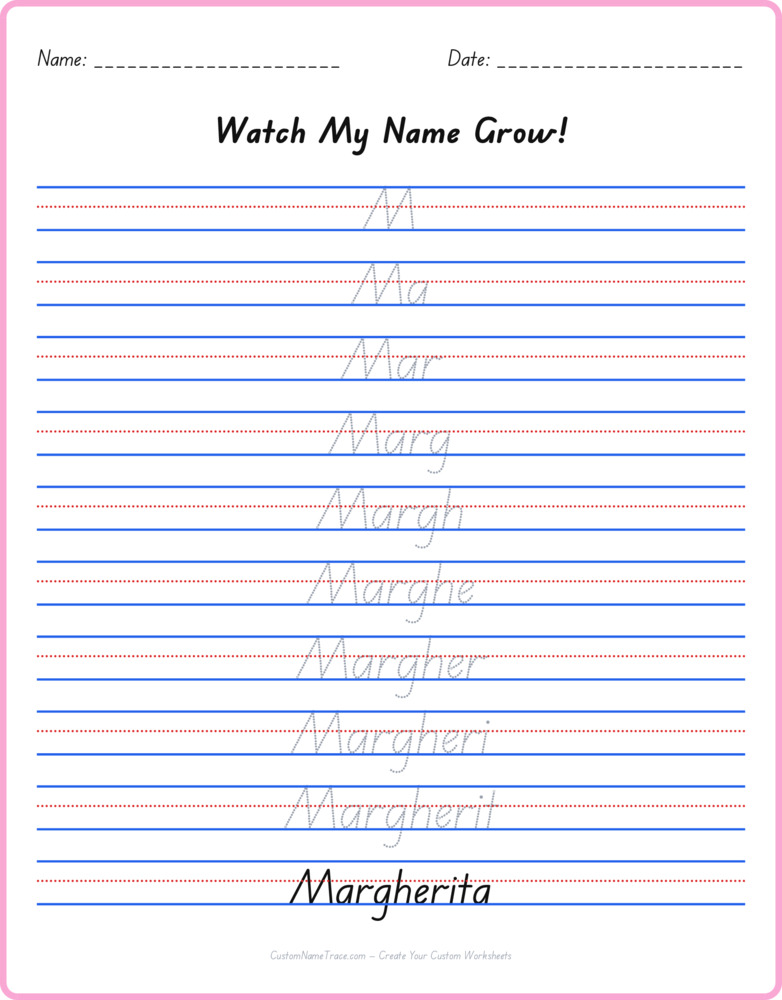
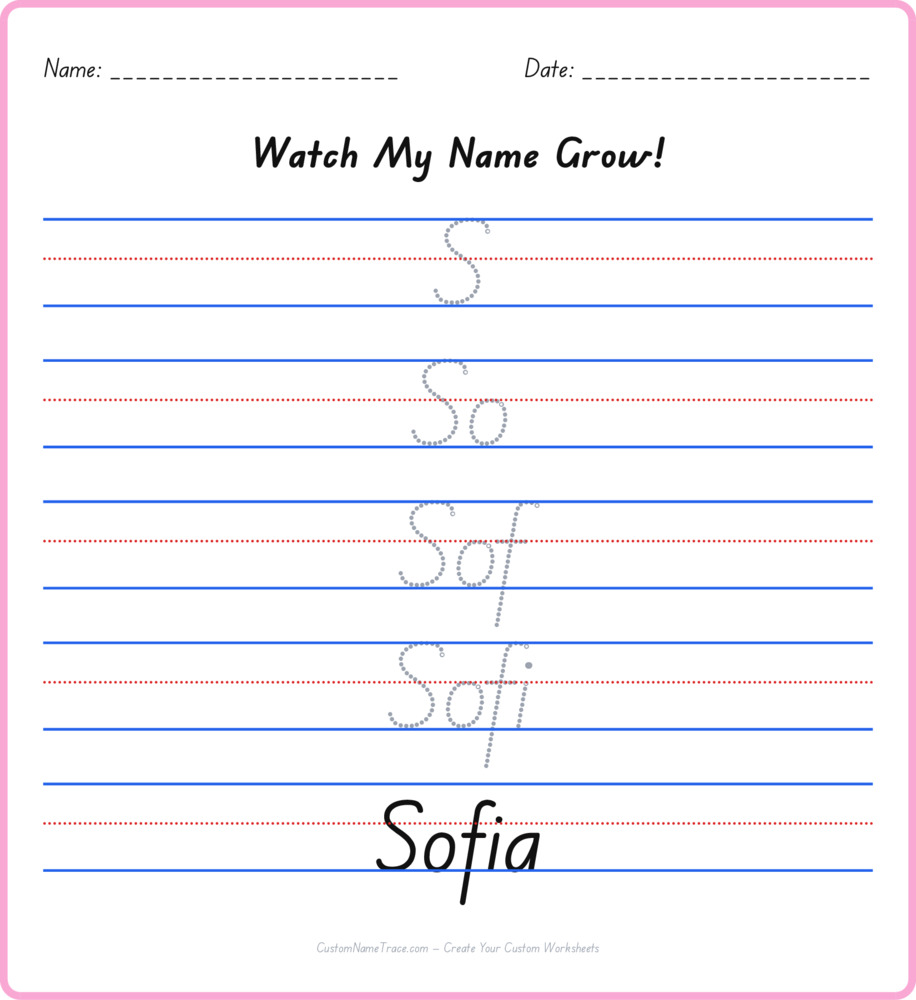
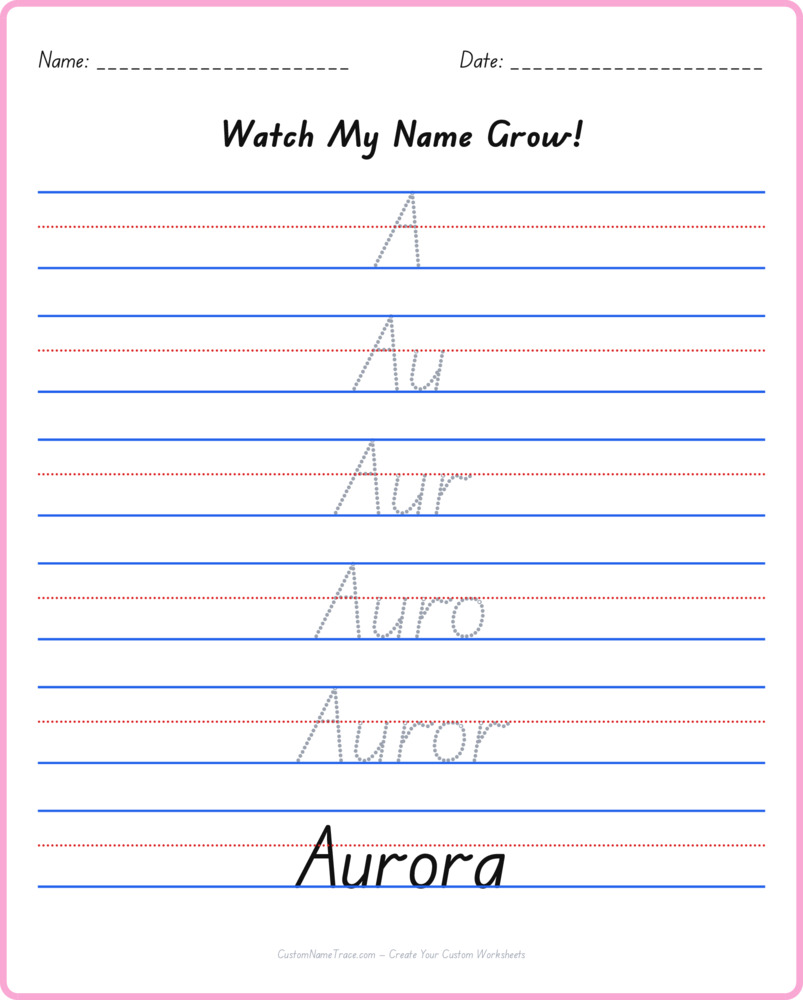
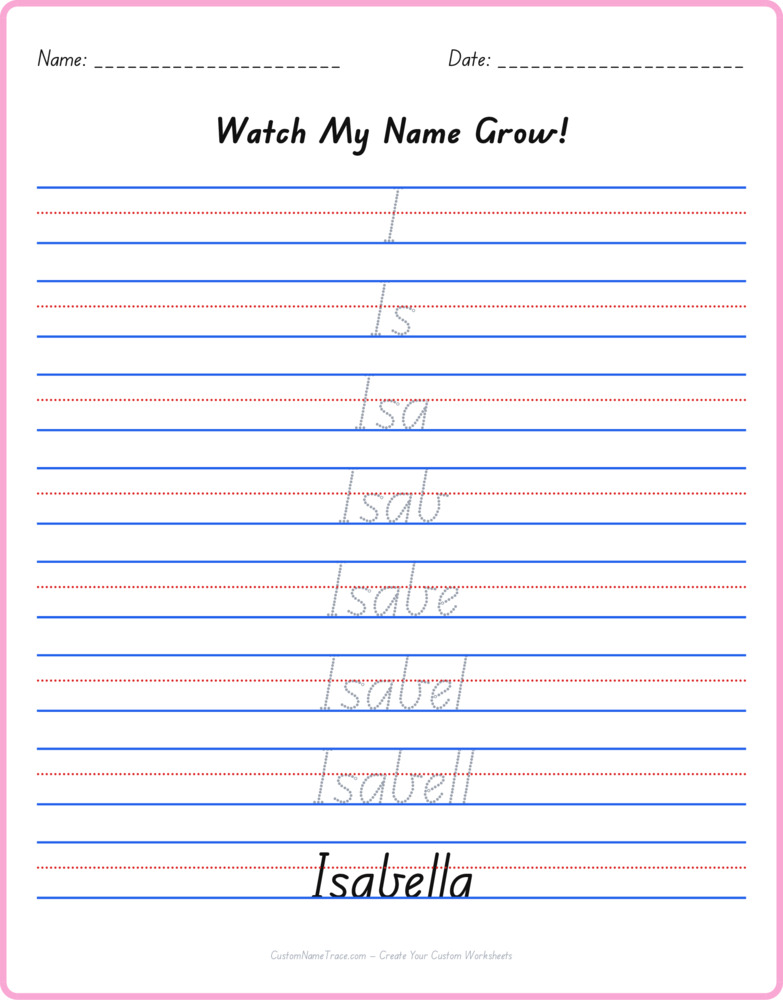
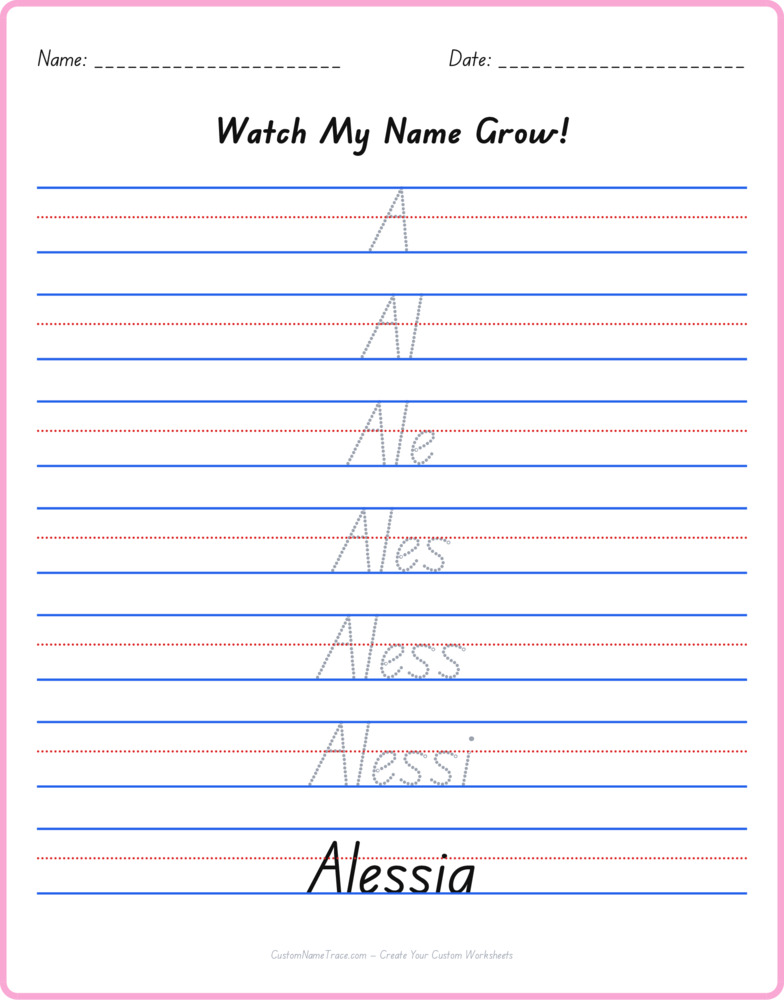
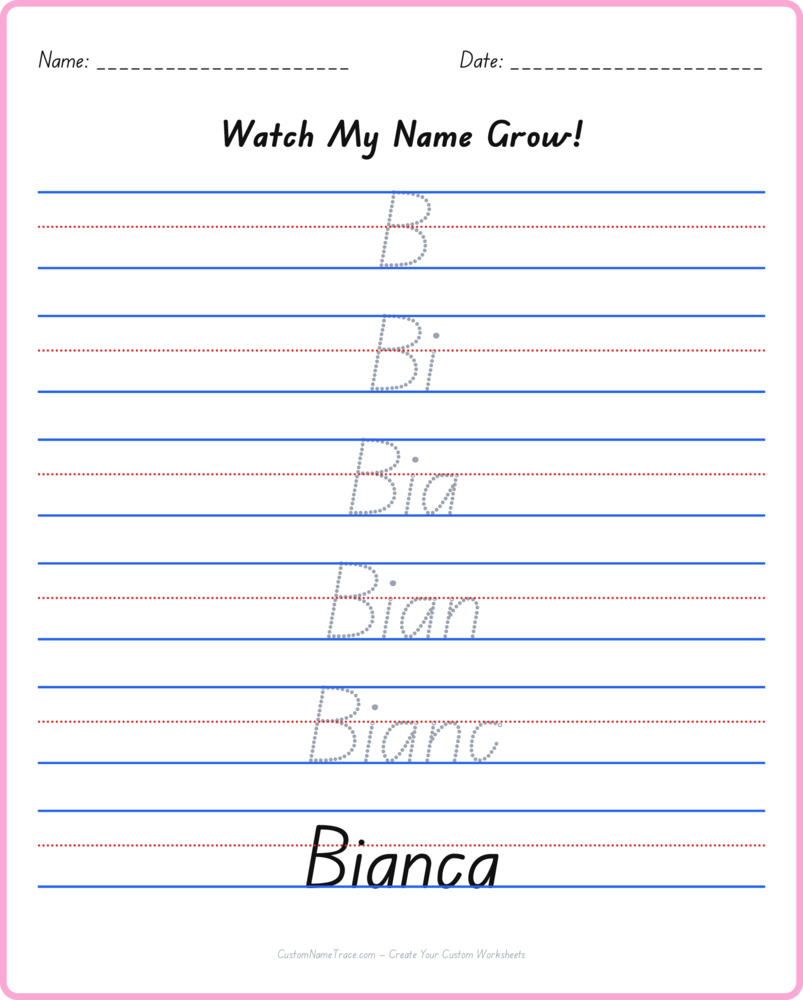
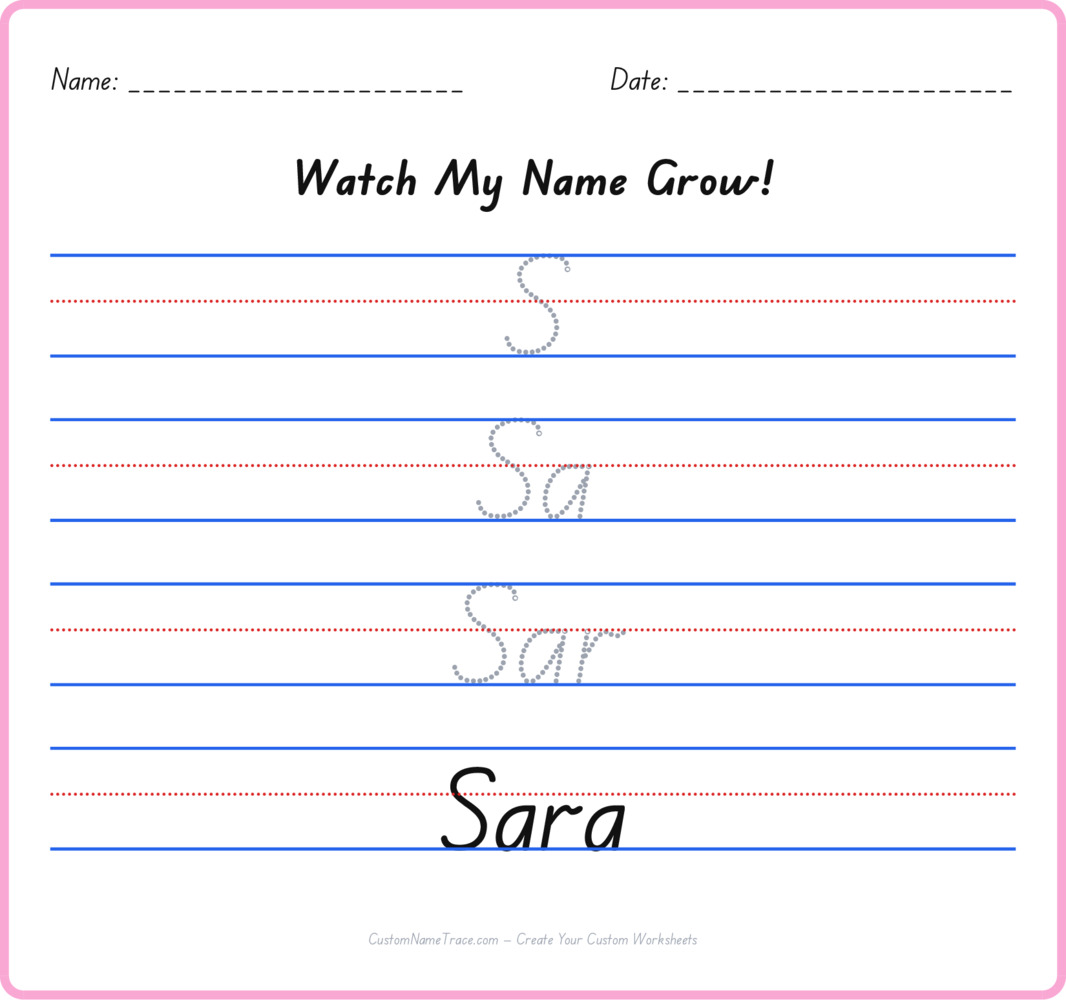
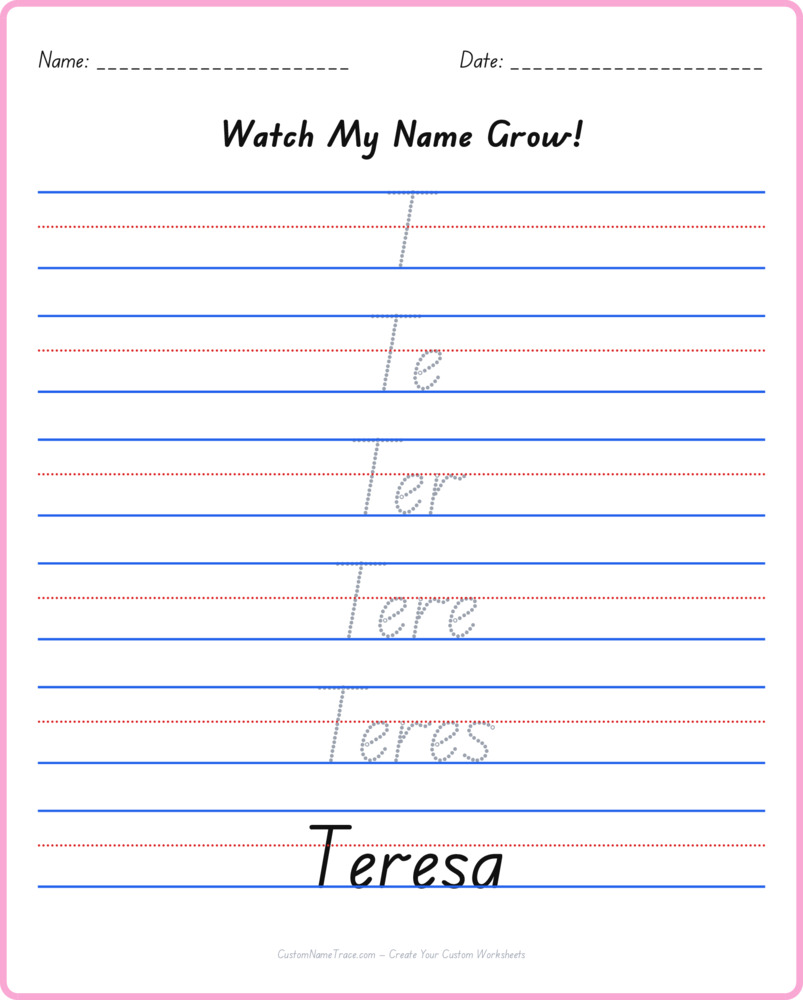
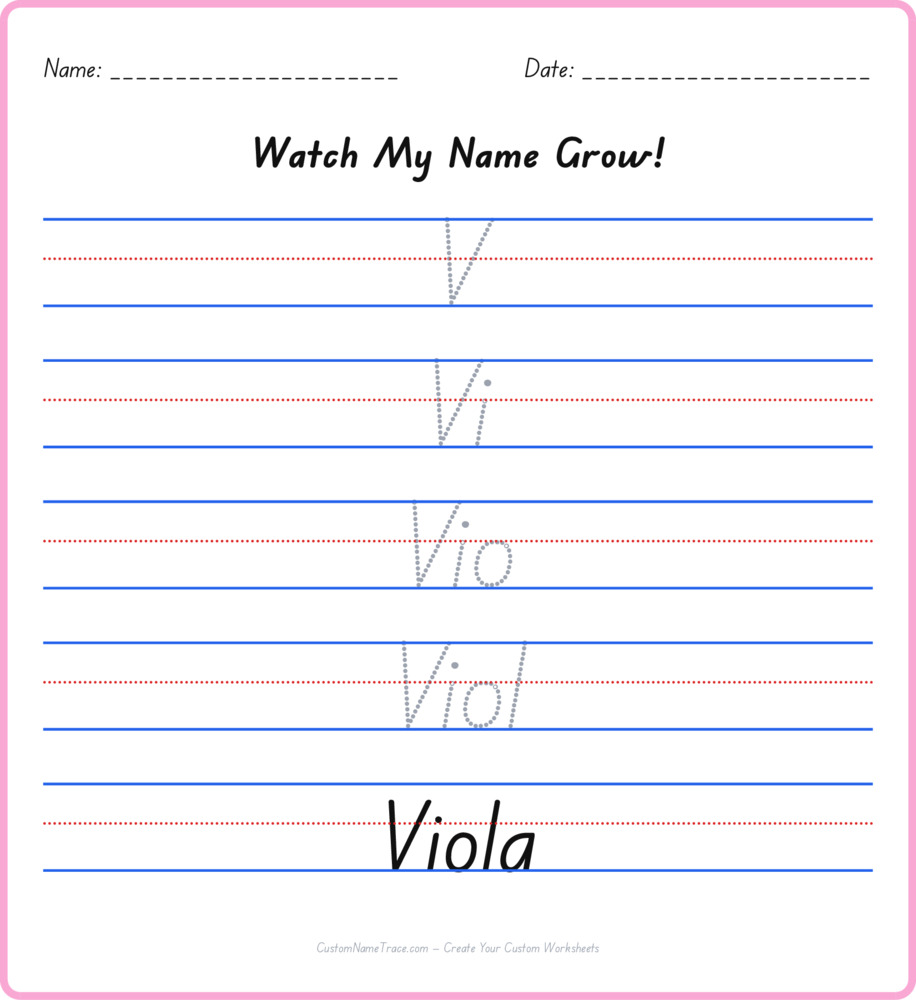
Every row of this worksheet shows a little more of Viola than the row before it — one letter, then two, then three, climbing toward the complete name on the very last line instead of presenting the whole word, finished, on every single row the way a standard tracing worksheet does. That structural choice isn't decorative. Copying a complete word repeatedly and building one up letter by letter are genuinely different tasks: the first asks a child to reproduce a fixed target six times in a row, while the second asks them to extend something they've already started, holding what's already been written in mind while adding to it.
For a name like Viola, that gradual build tends to feel less intimidating than a full-length word appearing cold on line one — the first row is just a single letter, about as low-stakes as tracing gets, and the climb toward the full name happens in small, manageable steps rather than one demanding leap.
What this is actually testing, underneath the shape
A pyramid worksheet for Viola sits in an odd, useful middle ground between tracing and pure recall. It's not testing spelling from memory the way this site's Missing Letter version does — every letter a child needs is printed and traceable on its own row. But it's also not simple copying, since each row asks for a slightly longer sequence than the last, which means a child has to keep track of where they are in Viola's spelling well enough to know what letter comes next, even though that letter is right there on the page to trace.
That combination — the answer is visible, but you still have to track your position in the sequence — makes this a genuinely good bridge step for a child who's traced Viola confidently many times but isn't quite ready to spell it from a blank page.
A concrete way to use this the first time
Reading each row out loud while tracing it — just the sound of the first letter, then the first two letters together, working up to the full pronunciation of Viola on the final row — connects the visual, growing shape on the page to the spoken word a child already knows well. For a first attempt, working through the pyramid together, narrating what's happening on each row ("now we're adding one more letter"), builds the pattern explicitly rather than leaving a child to notice the growing structure on their own.
After the first few guided attempts, most children pick up the row-by-row rhythm quickly enough to work through Viola's pyramid independently, checking their own progress against the row above simply by looking at whether each new row is exactly the last one plus one letter.
When a pyramid makes sense, and when it doesn't yet
This worksheet works best after Viola is already comfortable in its plain traced form — asking a child to build a name up in stages before they've ever successfully traced the whole thing once tends to add confusion rather than remove it. Once standard tracing feels solid, though, this is a natural next step, and it's worth trying well before jumping straight to spelling-from-memory practice, since it keeps the full letter sequence visible while still asking for more than pure copying.
A child who breezes through Viola's pyramid without hesitation, getting every row right on the first try, has likely outgrown this specific exercise and is ready to move to the Missing Letter version, which removes the visible answer entirely.
Printing tips specific to this format
Because each row of Viola's pyramid is a different length, print this one at full size rather than a shrunk "fit to page" scale — shrinking can compress the row spacing just enough to make the taller pyramid shape cramped near the bottom, where the longest rows sit. Both Letter and A4 paper are supported automatically, with no extra configuration needed.
This worksheet downloads as a clean, free PDF with no account required, and reprints identically every time, so it's safe to bookmark or share the link directly.
Where to go from here
Viola's pyramid is one of two alternate practice styles built on top of the standard tracing worksheet for this name — the other, Missing Letter, asks for genuine spelling recall instead of a gradual build. Working through both, in addition to plain tracing, gives Viola three genuinely different kinds of practice rather than three variations on the same task.
For a classroom or a group of siblings needing several different names in pyramid form, the Teacher Worksheets tool can generate a full batch from one pasted list.